Windows
macOS
Or install it from the browser
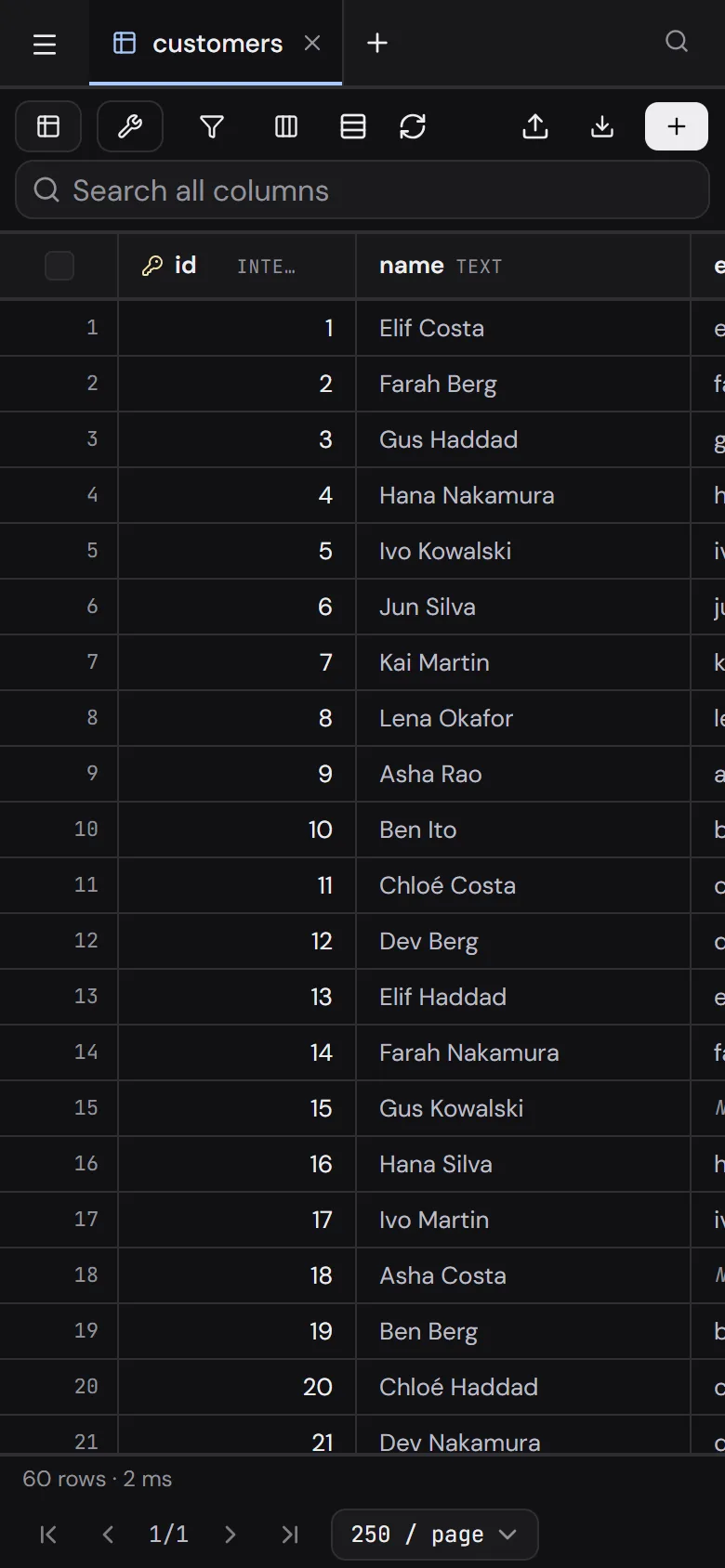
Nothing to download. The browser keeps the app, opens it in its own window, and it works offline, on phones too.
- Chrome, Edge, Brave
- The install icon at the right end of the address bar.
- Safari on a Mac
- File, then Add to Dock.
- Safari on iPhone and iPad
- Share, then Add to Home Screen.
- Chrome on Android
- The menu, then Install app.
New in 1.1.2
Released 17 November 2026
Patch Changes
- Assistants now reach your databases through the open Sequill app instead of opening the files themselves, so they see the same list and files as the window. This fixes Claude Desktop on Windows, which gave the MCP server its own stale copy of Sequill's data folder. Keep Sequill open while an assistant works with it.
In a window of its own
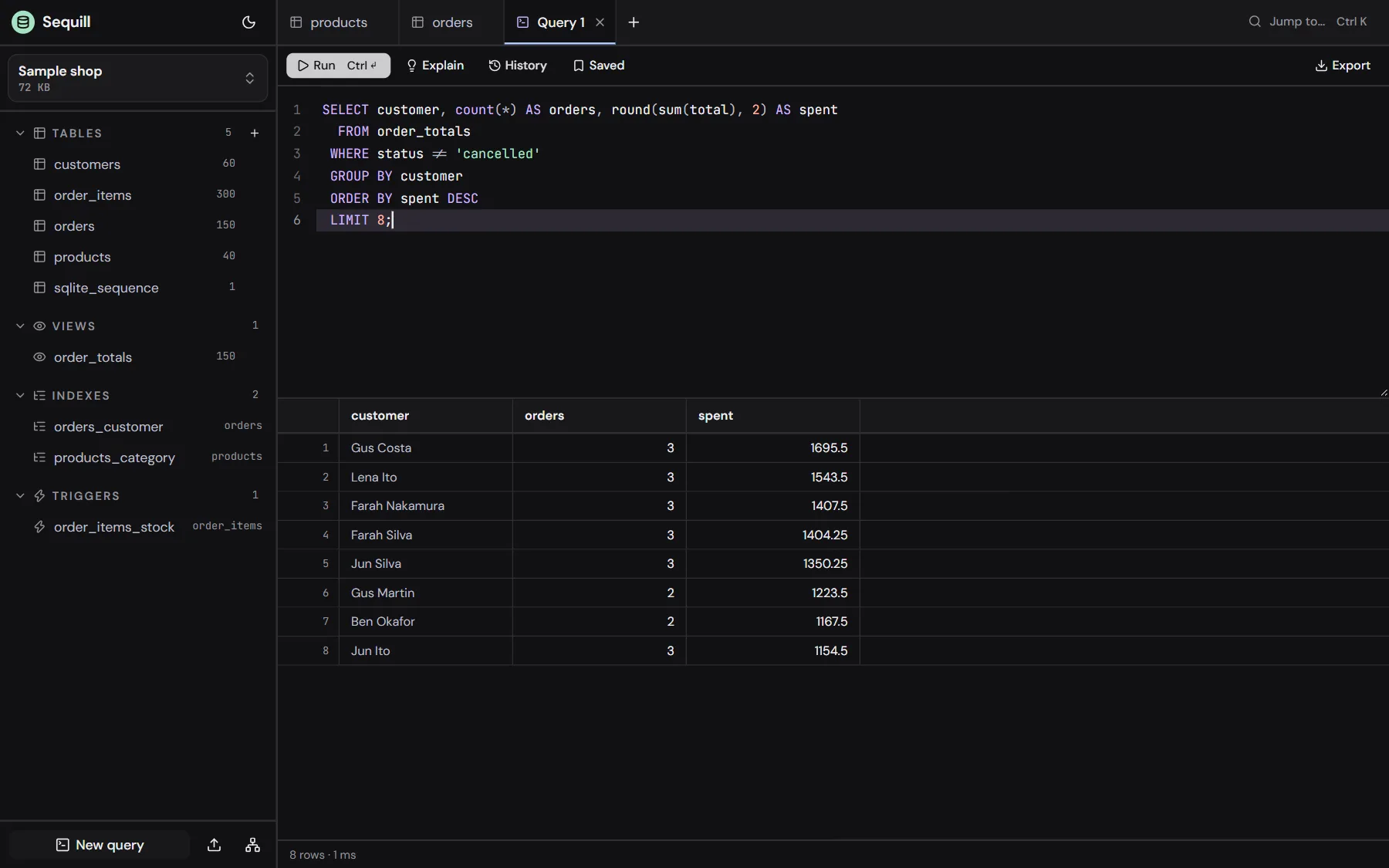
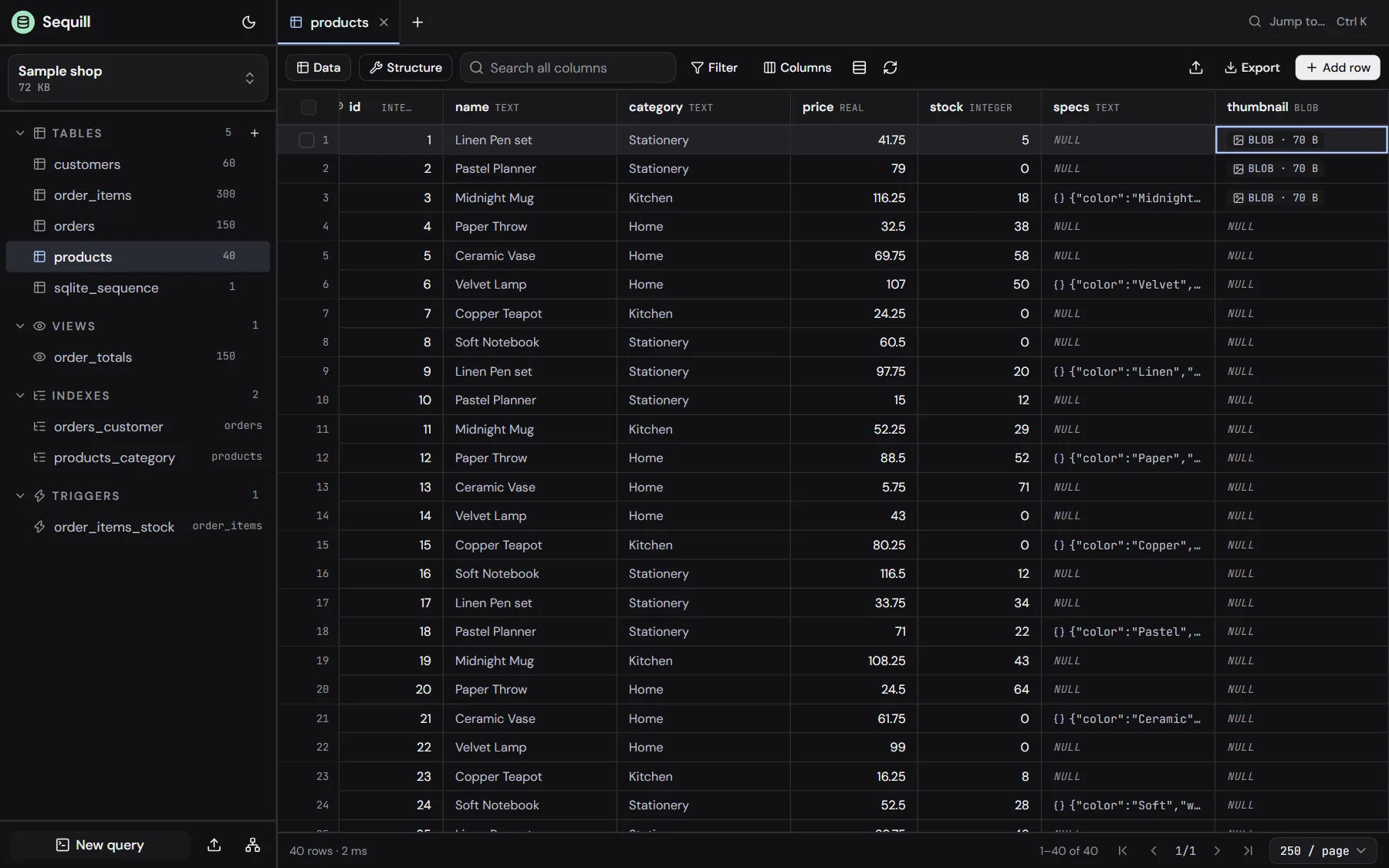
The same editor, SQL console and schema designer you can try here first, with your databases on your computer.